Conditional Rendering in React Complete Guide with Examples 2026

Image
  Conditional Rendering in React Conditional Rendering is one of the most useful concepts in React. It means showing different content on the screen depending on a condition. For example: If a user is logged in → show Logout If a user is not logged in → show Login If a student has passed → show Congratulations If a product is available → show Buy Now If data is loading → show Loading... React does not have a separate if rendering tag. Instead, we use normal JavaScript conditions such as if, the ternary operator, &&, and switch to decide what should appear in the UI.

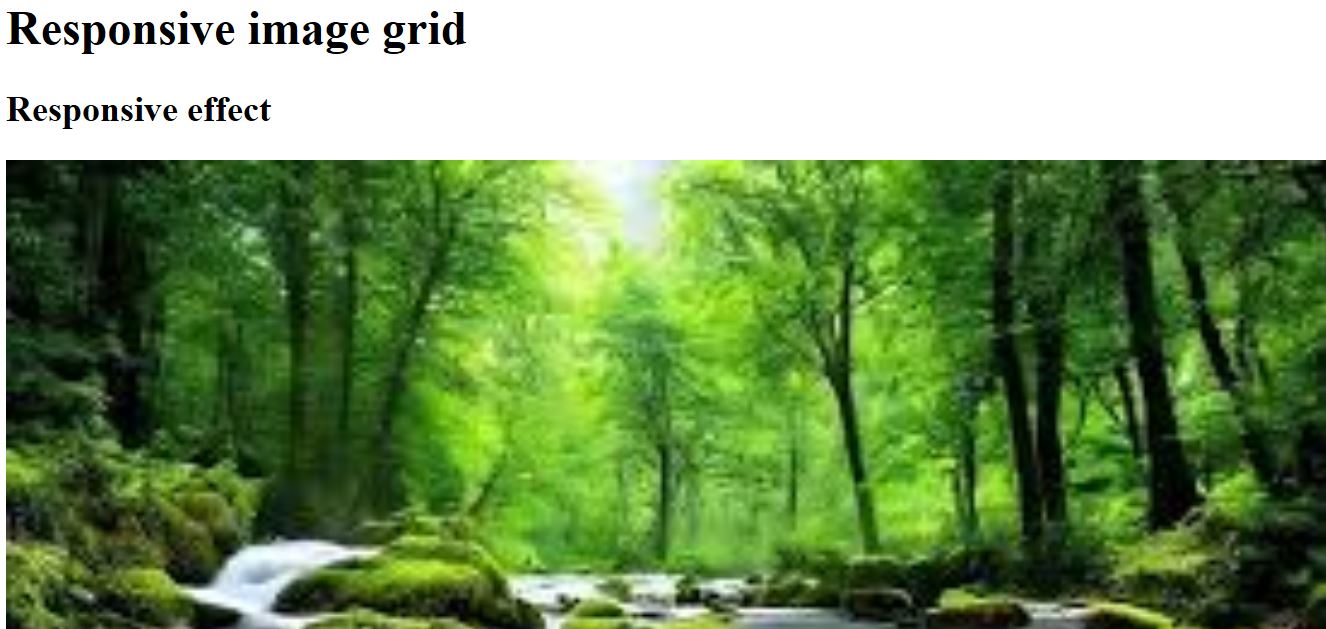
Responsive image Grid html,css program


 Responsive image Grid 

responsive image


Program


<!doctype html>

<html>
<head>

<title></title>
</head>
<style>
*{
box-sizing:border-box;
}
header{
margin:0;
font-family:arial;
}
</style>
<body>
<div class="header">
<h1>Responsive image grid</h1>
<h2>Responsive effect</h2>
<div class="row">
<img src="https://encrypted-tbn0.gstatic.com/images?q=tbn:ANd9GcRepCoPVhIXI3rEUss3pxeNaHcqwHHgVHZTeQ&usqp=CAU"
 style="width:100%">
<img src="https://encrypted-tbn0.gstatic.com/images?q=tbn:ANd9GcTigzv3Ag525N1qTfA9lY-nsPVpjhTiS5S_gmJO92heCE2stfydnceBGsziZeHQxz2TCVM&usqp=CAU"
style="width:100%">
 <img src="https://encrypted-tbn0.gstatic.com/images?q=tbn:ANd9GcSFMHzPwwHx8j_oxFE-8RHC3eq7Jn2qgV1ap9TqkEt3fIcbNmbq2xKYiRS1sx-_Z0FQsF8&usqp=CAU"
style="width:100%">
   <img src="https://encrypted-tbn0.gstatic.com/images?q=tbn:ANd9GcSIgn8Q7sPVVVd33OdTN2P9t_spzVwPFP71Aw&usqp=CAU"
  style="width:100%">
</div>
</body>
</html>

Output


Comments

Popular posts from this blog

HTML Tag

CSS Text Color Explained with Syntax and HTML Examples

HTML Input Type Submit Syntax and Example